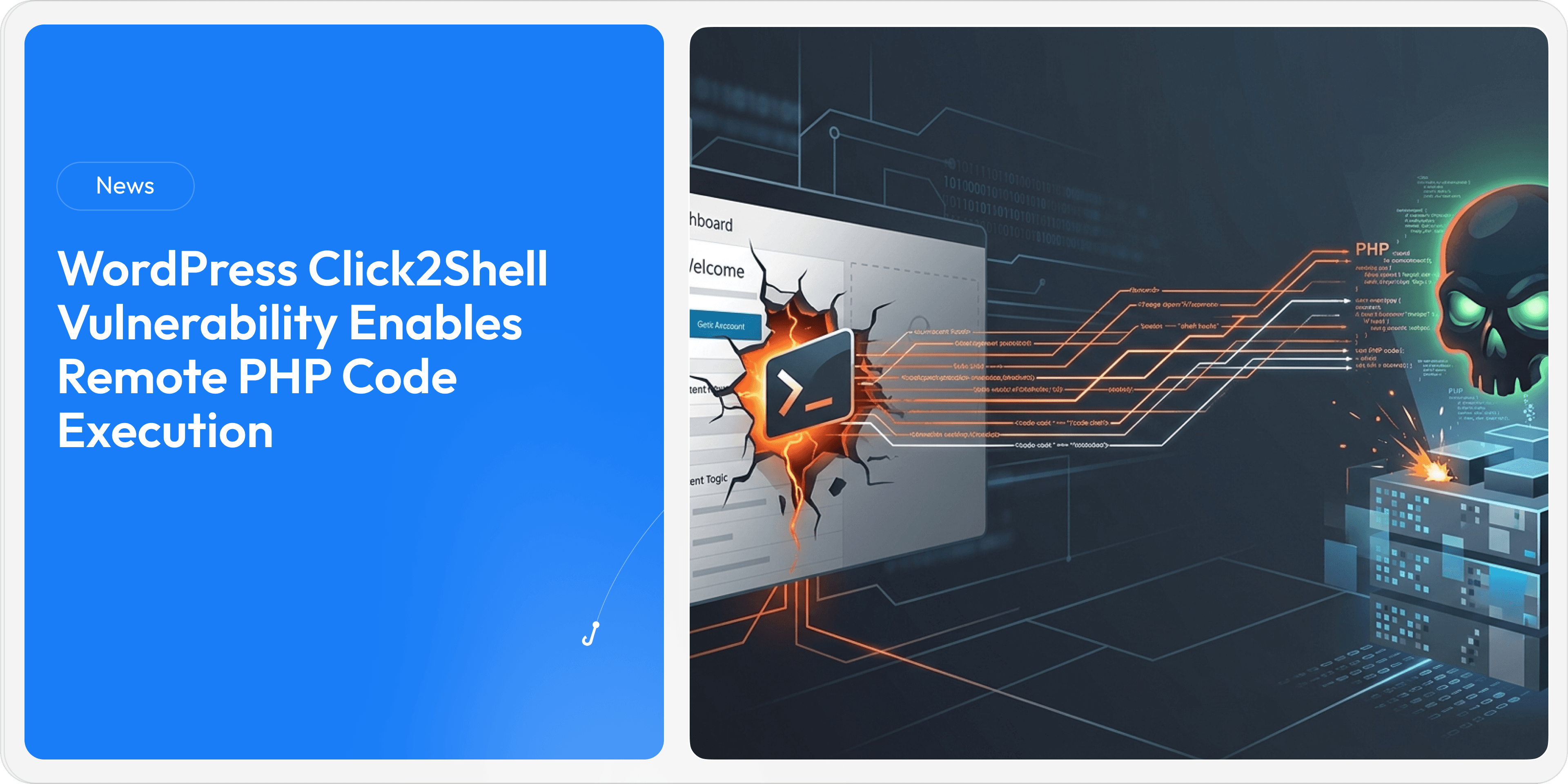
Critical Elementor Pro Vulnerability Enables Remote Code Execution on WordPress Sites
Aug 21, 2026
A critical vulnerability in the popular Elementor Pro WordPress plugin could allow attackers to upload malicious PHP files and execute arbitrary code on vulnerable websites. Tracked as CVE-2026-32475, the flaw affects Elementor Pro versions before 4.2.2 and is linked to how the plugin validates and processes uploaded files.
The vulnerability is particularly concerning for websites using Elementor Pro forms with file-upload functionality enabled. With more than 10 million active Elementor installations, the issue creates a significant attack surface across the WordPress ecosystem.
Key Facts of the Incident
Category | Details |
|---|---|
Vulnerability | CVE-2026-32475 |
Threat Type | Remote Code Execution (RCE) |
Affected Software | Elementor Pro before version 4.2.2 |
Attack Mechanism | Malicious PHP file upload through Elementor Pro forms |
Affected Feature | File Upload module with multiple-file upload enabled |
Potential Impact | Arbitrary code execution with web-server privileges |
Potentially Exposed Sites | Websites using affected Elementor Pro forms |
Active Exploitation | No exploitation observed in the wild at the time of disclosure |
Mitigation | Update Elementor Pro and inspect upload directories for malicious files |
What Happened
Security researchers identified a flaw in Elementor Pro's File Upload module that can allow attackers to bypass file validation and upload executable PHP code to a publicly accessible directory.
The vulnerability stems from inconsistent behavior between two separate processes responsible for validating and processing uploaded files.
Here's how the attack can work:
An attacker targets a WordPress website running a vulnerable version of Elementor Pro.
The target site must have a published Elementor form containing a File Upload field.
The attacker crafts a specially structured multipart upload containing an empty filename followed by a malicious PHP payload.
The validation process stops when it encounters the empty upload and fails to inspect the subsequent malicious file.
The processing routine, however, skips the empty entry and continues processing the malicious PHP file.
The file is placed in the publicly accessible
wp-content/uploads/elementor/forms/directory.Once the attacker identifies the uploaded file's URL and requests it, the server's PHP interpreter can execute the malicious code.
This can ultimately give an attacker the ability to execute arbitrary commands with the privileges of the web server.
Why the Vulnerability Is Dangerous
The vulnerability does not require a traditional software exploit chain once the required Elementor form configuration is present. According to Patchstack, the target only needs a published Elementor form containing a File Upload field.
The uploaded file's name is generated using PHP's uniqid() function, which is time-based rather than truly random. Researchers say attackers could potentially determine the filename through timing brute-force techniques. In some configurations, an autoresponder email may also expose the exact file URL.
If successfully accessed, the PHP payload is executed by the server, allowing attackers to run arbitrary code with the permissions available to the web server.
Timeline & Disclosure
Patchstack learned about CVE-2026-32475 from security researcher Tin Pham on July 16, 2026, and shared the vulnerability details with Elementor.
The Elementor team prepared a fix the following day. Patchstack subsequently verified the fix on August 3, before the patched release was delivered.
Elementor has also notified customers about the issue and clarified that the vulnerability specifically affects websites using Elementor Pro forms with a file-upload field where the multiple-file upload option is enabled. This option is disabled by default.
Who Is at Risk?
Elementor Pro powers more than 10 million active WordPress installations, making vulnerabilities in the plugin potentially significant for website owners and organizations.
However, the exposure is configuration-dependent.
Websites are specifically at risk when they use an Elementor Pro Form with:
A File Upload field
Multiple file upload enabled
A vulnerable Elementor Pro version earlier than 4.2.2
Elementor stated that other Elementor sites are not affected by this specific vulnerability, but still recommends updating to the latest version.
Immediate Impact & Risks
Remote Code Execution
The primary risk is arbitrary code execution. Once the malicious PHP file is accessed, the server can execute its contents under the privileges of the web server.
Website Compromise
Successful exploitation could give attackers a foothold on a WordPress server, potentially allowing them to modify website content, deploy additional malware, steal information, or use the compromised environment for further attacks.
Malicious Files May Remain After Updating
Simply installing the security update may not remove files that were uploaded while the website was vulnerable. Patchstack recommends examining the affected upload directory for suspicious PHP or other rogue files.
Large Potential Attack Surface
With more than 10 million active Elementor installations, organizations should treat the vulnerability seriously, particularly if their websites expose file-upload functionality.
What Organizations Should Do
1. Update Elementor Pro
Administrators should immediately update Elementor Pro to version 4.2.2 or later, or the latest available release, to address the vulnerability.
2. Check for Malicious Files
Security teams should inspect:
wp-content/uploads/elementor/forms/
Look for unexpected PHP files or other suspicious files that may have been uploaded before the site was patched.
3. Review the Web Server
If suspicious files are discovered, organizations should investigate web-server logs and other security telemetry for evidence of unauthorized file uploads or requests to suspicious PHP files.
4. Review Elementor Forms
Administrators should identify Elementor Pro forms that contain File Upload fields and determine whether multiple-file uploads are enabled.
5. Investigate Potential Prior Exploitation
Because updating the plugin does not automatically remove files that may have been uploaded during the vulnerable period, organizations should conduct a thorough investigation if their configuration was exposed.
Why This Matters
CVE-2026-32475 demonstrates how seemingly routine website functionality such as file uploads can become a path to full server compromise when validation and processing logic do not behave consistently.
For organizations relying on WordPress and third-party plugins, keeping applications patched is only one part of the security equation. Continuous monitoring, secure configuration, file-integrity checks, and awareness of emerging exploitation techniques are equally important.
At the time of reporting, no active exploitation of CVE-2026-32475 had been observed in the wild. However, organizations running affected Elementor Pro configurations should not wait for exploitation attempts before taking action.