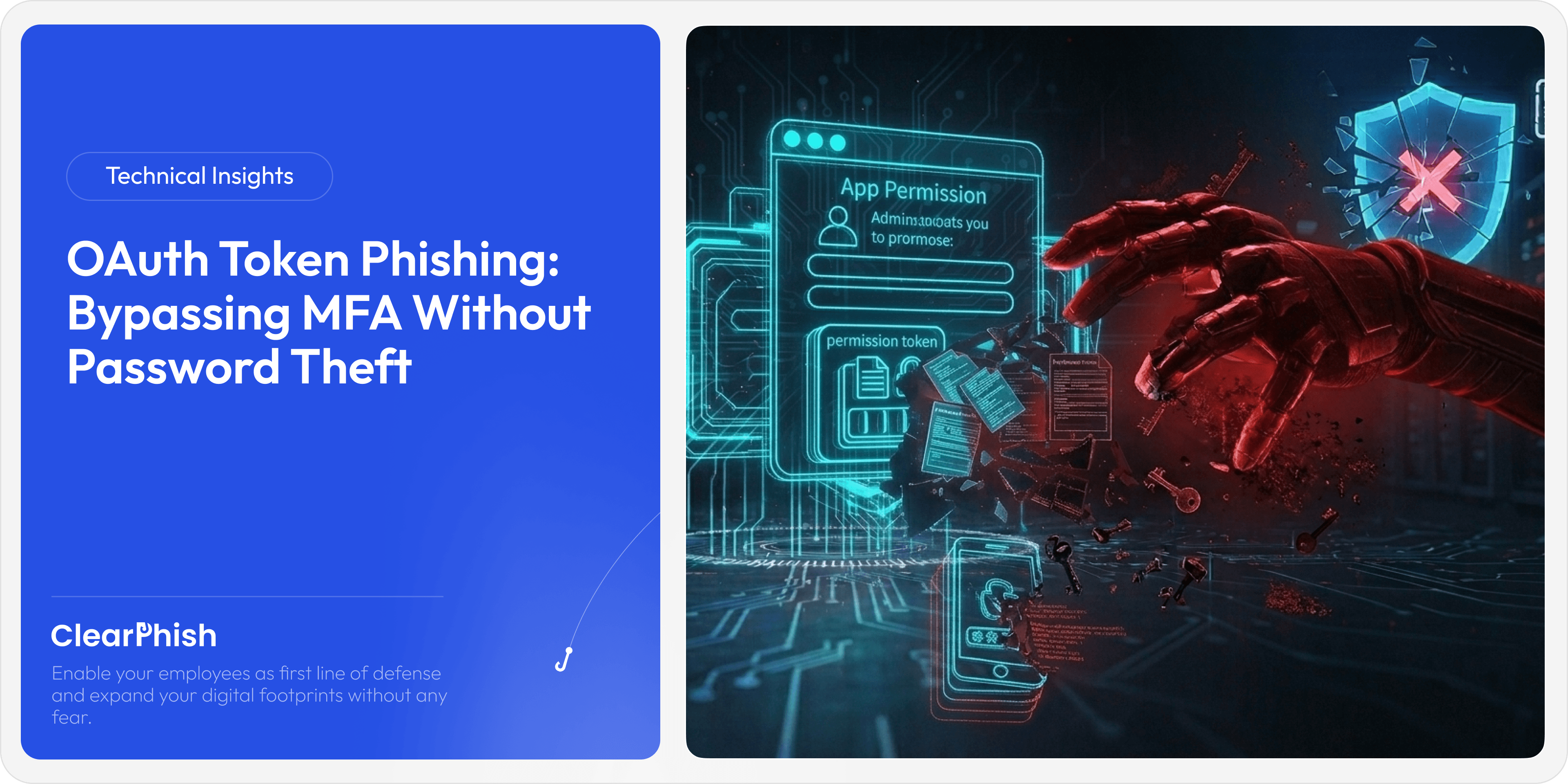
OAuth Token Phishing: Bypassing MFA Without Password Theft
Apr 2, 2026
Introduction
For years, security teams have told users one simple rule: never share your password.
But what happens when attackers no longer need it?
Welcome to the world of OAuth token phishing, where threat actors bypass Multi-Factor Authentication without ever touching a password. Instead of breaking in, they simply ask for permission.
At ClearPhish, we have observed a sharp rise in attacks that abuse OAuth consent flows to gain persistent access to corporate environments. These attacks are subtle, highly effective, and often invisible to traditional security controls.
In this deep dive, we will break down how OAuth token phishing works, why it is so dangerous, and how organizations can detect and stop it before damage is done.
What is OAuth and Why It Matters in Security
OAuth is an authorization framework that allows applications to access user data without exposing credentials. It powers features like:
“Sign in with Google”
“Connect your Microsoft account”
Third party app integrations with email, calendar, or cloud storage
Instead of sharing passwords, users grant permissions to apps via consent screens.
That convenience is exactly what attackers exploit.
The Shift: From Credential Theft to Consent Manipulation
Traditional phishing attacks aim to steal usernames and passwords. Modern defenses like MFA, passwordless authentication, and behavioral analytics have made that harder.
So attackers evolved.
Instead of stealing credentials, they trick users into granting access to malicious applications. Once access is granted, attackers receive OAuth tokens that allow them to act on behalf of the user.
No password needed. No MFA prompt triggered after consent.
How OAuth Token Phishing Works
Let’s walk through a real-world style scenario.
Step 1: The Lure
An employee receives an email that appears to come from IT or a trusted service:
“Your mailbox storage is almost full. Click here to upgrade your quota.”
The link directs the user to a legitimate OAuth authorization page, not a fake login page.
Step 2: The Consent Screen
The user sees a consent prompt that looks legitimate:
App name appears trustworthy
Permissions seem routine
The domain looks like a real cloud provider
Example permissions requested:
Read your emails
Send emails on your behalf
Access your files
Most users click “Accept” without hesitation.
Step 3: Token Issuance
Once consent is granted, the attacker-controlled application receives an access token and often a refresh token.
This allows long-term access without re-authentication.
Step 4: Silent Persistence
The attacker now has:
Continuous access to email
Ability to send phishing emails internally
Visibility into sensitive documents
And the user never shared a password.
Why MFA Fails Against OAuth Attacks
This is the critical point many organizations misunderstand.
MFA protects authentication, not authorization.
In OAuth phishing:
The user authenticates legitimately
MFA is completed successfully
The user voluntarily grants access
From the system’s perspective, everything looks normal.
This makes OAuth attacks extremely difficult to detect using traditional controls.
Token Replay Attacks: The Next Layer of Risk
Once attackers obtain OAuth tokens, they can use them in token replay attacks.
What is a Token Replay Attack?
A token replay attack occurs when an attacker reuses a valid access token to impersonate a user.
Since tokens are trusted by the system, the attacker can:
Access APIs directly
Bypass login flows
Avoid triggering authentication alerts
Why It’s Dangerous
Tokens often have long lifetimes
Refresh tokens can generate new access tokens indefinitely
Activity appears as legitimate user behavior
In many cases, organizations only discover the breach after data exfiltration or lateral movement.
Real-World Impact: A Human Perspective
Imagine this scenario.
A finance employee approves an OAuth request for what appears to be a document management tool. Within hours:
The attacker reads invoice emails
Alters payment details
Sends updated invoices to vendors
No alarms are triggered because the activity originates from a legitimate account using valid tokens.
By the time discrepancies are noticed, the damage is already done.
This is not hypothetical. Variations of this attack have been seen across enterprises globally.
Common Signs of OAuth Abuse
Despite its stealth, OAuth phishing leaves traces. The key is knowing where to look.
1. Unusual App Consent Activity
New applications requesting high-risk permissions
Consent granted by users who do not typically install apps
2. Excessive Permissions
Watch for apps requesting:
Mail.ReadWrite
Files.Read.All
Directory.ReadWrite.All
These are often unnecessary for most business use cases.
3. Unknown or Suspicious App Publishers
Apps with vague or generic names
Publishers that are not verified
4. Abnormal API Activity
Sudden spikes in API calls
Access from unusual locations or IP addresses
Detection via Anomalous App Consent Logs
One of the most effective ways to detect OAuth phishing is by analyzing app consent logs.
What to Monitor
Who granted consent
What permissions were requested
When the consent occurred
Which application received access
Red Flags
Consent granted outside working hours
Multiple users granting access to the same unknown app
High privilege permissions granted suddenly
Behavioral Correlation
Combine consent logs with:
User behavior analytics
Email activity monitoring
Endpoint telemetry
This layered approach significantly improves detection accuracy.
Prevention Strategies That Actually Work
1. Restrict User Consent
Limit which users can grant permissions to applications.
Disable user consent for high-risk permissions
Require admin approval for third-party apps
2. Implement App Governance Policies
Allow only verified publishers
Maintain an allowlist of trusted applications
3. Educate Users Beyond Password Safety
Users need to understand:
What OAuth consent screens are
Why permissions matter
How attackers exploit trust
Training should include real-world scenarios, not just theoretical advice.
4. Continuous Monitoring
Set up alerts for:
New app registrations
High-risk permission grants
Token usage anomalies
5. Token Hygiene
Regularly audit active tokens
Revoke unused or suspicious tokens
Enforce token expiration policies
Where Traditional Security Falls Short
Most security stacks focus on:
Login attempts
Password strength
MFA enforcement
But OAuth attacks operate after authentication.
This creates a blind spot where:
No login anomaly is detected
No brute force attempt occurs
No phishing page is hosted
The attack happens within trusted workflows.
The ClearPhish Perspective: Human-Centric Defense
At ClearPhish, we approach this problem differently.
Instead of focusing only on technical controls, we simulate real-world phishing scenarios that exploit human behavior.
Why?
Because OAuth phishing is fundamentally a human problem.
Users are not being hacked. They are being persuaded.
Our simulations:
Mimic real OAuth consent attacks
Measure user susceptibility
Provide targeted training based on behavior
This helps organizations build resilience where it matters most: at the human layer.
The Future of Phishing: Consent is the New Credential
We are entering a phase where:
Passwords are becoming less relevant
Tokens are becoming primary access mechanisms
Trust is being weaponized
Attackers will continue to refine techniques that exploit legitimate workflows rather than breaking them.
OAuth phishing is just the beginning.
Conclusion
OAuth token phishing represents a fundamental shift in how attackers gain access to systems.
It bypasses MFA, avoids credential theft, and leverages trust instead of deception alone.
To defend against it, organizations must:
Rethink their security models
Monitor authorization, not just authentication
Educate users on modern attack vectors
Implement strict app governance
Most importantly, they must recognize that the weakest link is no longer just passwords. It is permission.
And in today’s threat landscape, a single click on “Accept” can be all it takes.